
01
Sync WordPress
The plugin brings over your pages, titles, URLs, content, and link graph data, so HappyLinks works from the site you actually have.
Internal Links
HappyLinks reads your WordPress content and link graph so you can find the internal links you missed, protect your priority pages, and keep old URLs from leaking value. Pro layers in Google Search Console and AI semantic keywords.
Workflow
01
The plugin brings over your pages, titles, URLs, content, and link graph data, so HappyLinks works from the site you actually have.
02
Free scans build the first map. Pro uses AI to label pages with main keywords and related phrases, then adds Search Console query data.
03
Mark the pages that need authority most, then let HappyLinks show the hubs and supporting posts that should push links toward them.
04
Review every suggested link first. When you trust a pattern, turn repeatable keyword-to-URL matches into auto-linking rules.
Priority Pages
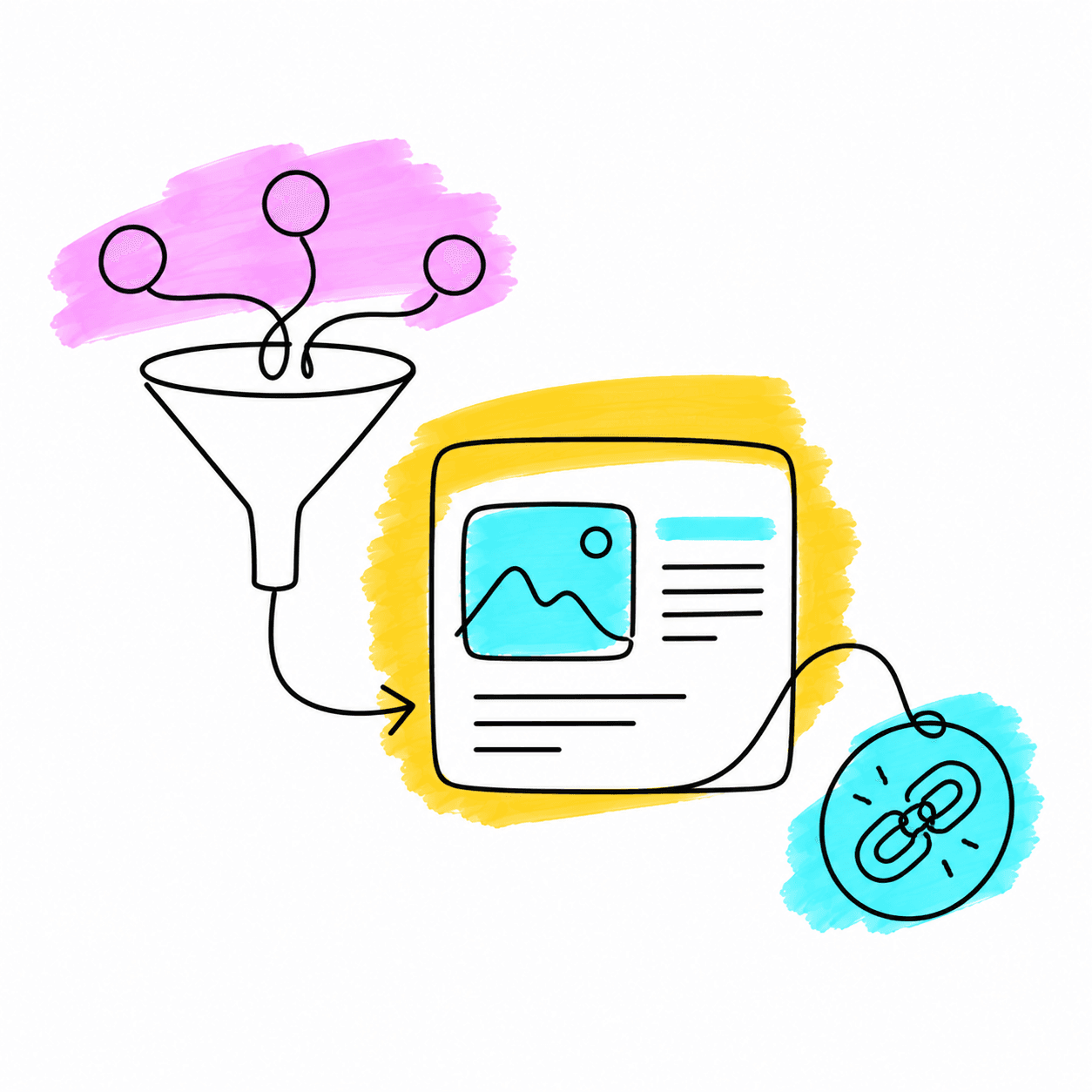
Mark the pages that matter most, then use funnel suggestions to organize supporting posts and hubs around them. The goal is simple: make your best content easier for users and search engines to reach.
Scan the shape of the site at a glance - priority pages, hubs, orphan pages, and normal pages are separated visually.
Build a clean pathway from supporting content to hubs to the priority page, without guessing which pages belong together.
Anchor ideas come from each page's topic and related phrases, so links fit the sentence instead of feeling bolted on.
On Pro, Search Console shows impressions, clicks, CTR, and position beside the pages you're prioritizing.
Site Health
Once your link graph is synced, HappyLinks cleans up the operational issues that silently cost you SEO value.
Create keyword-to-URL rules, preview where they apply, then approve links manually or let trusted rules auto-apply.
Find broken, redirected, timed-out, and server-error links - with the source page and anchor text attached.
When a slug changes, preview every internal link pointing at the old URL and rewrite them in one pass.
Everything in the Internal Linking Tool
Internal linking is the free foundation. Connect WordPress, sync the site, and see the link opportunities already waiting in your content.